How it works
Tag it, drive it, know it
What the tags do, what the hardware does, and how a scan ends up accurate to the centimeter — without anyone on your crew becoming a hardware technician.
How it works
Three steps, start to finish.
1
Tag it
Design your label in the browser and print RFID labels yourself, on your own printer. Every tag carries a unique identity from the moment it goes on the plant.
2
Walk or drive it
Follow the guided route on the tablet. Coverage fills in live as you move, so you can see what is done and what is left without keeping a map in your head.
3
Know it
Counts you can trust, broken out by location and by product, with the time and place of every read behind them. Inventory becomes something you check, not something you argue about.
Not your granddad’s RFID tags anymore…
A bit of a joke — but the point is real. The same tag does several different jobs, so you decide how it gets used instead of buying a different tag for every part of the operation.
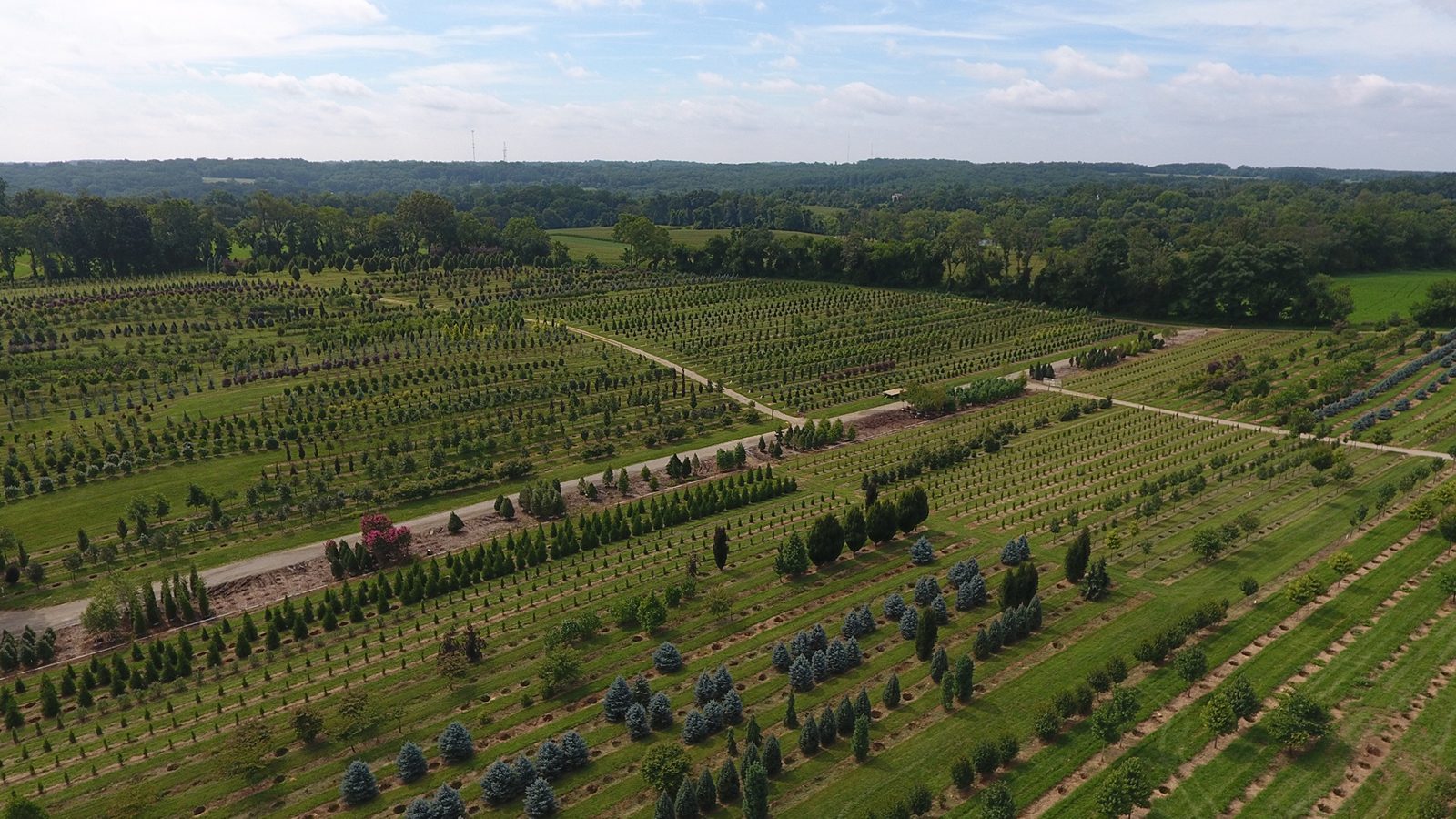
100% managed hardware support
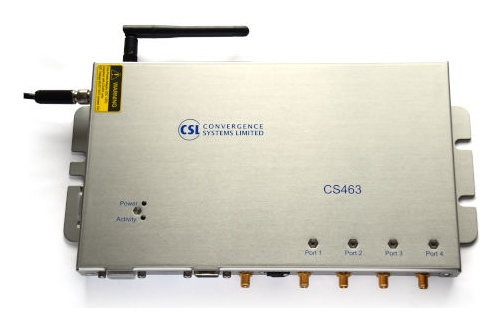
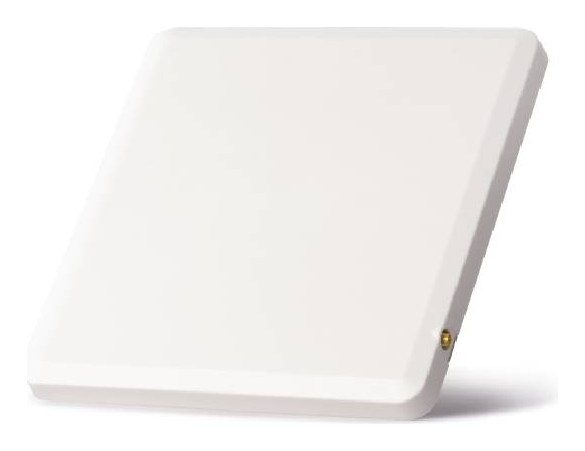
You do not have to get involved in learning and supporting hardware. Every tablet and every RFID reader is supported live by your ScanTap team, and our swap-out program keeps you running 24/365 — if a unit fails, a working one is on its way before you have finished describing the problem.
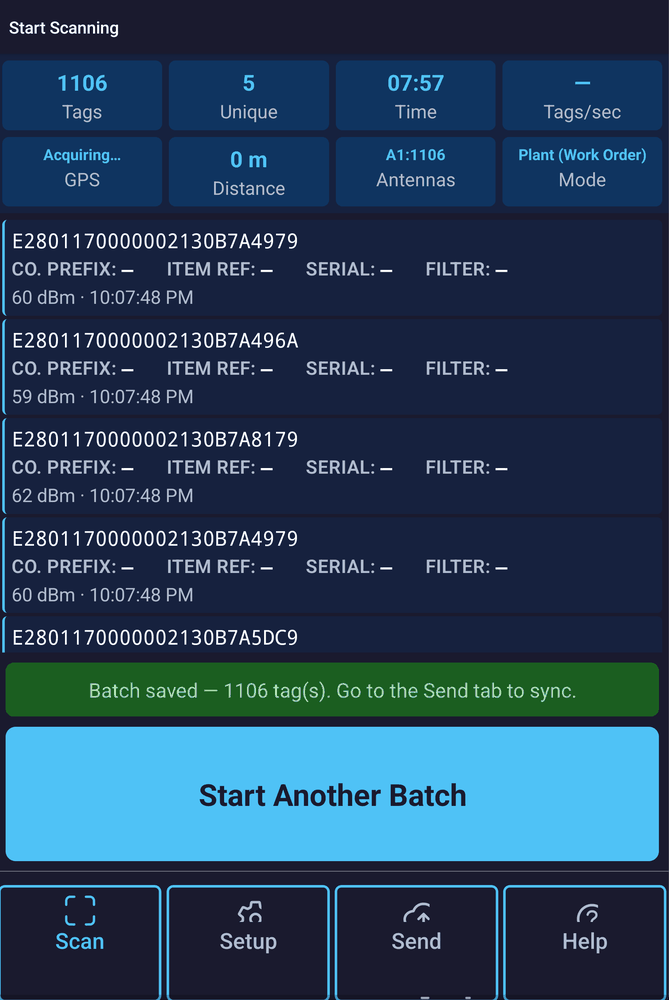
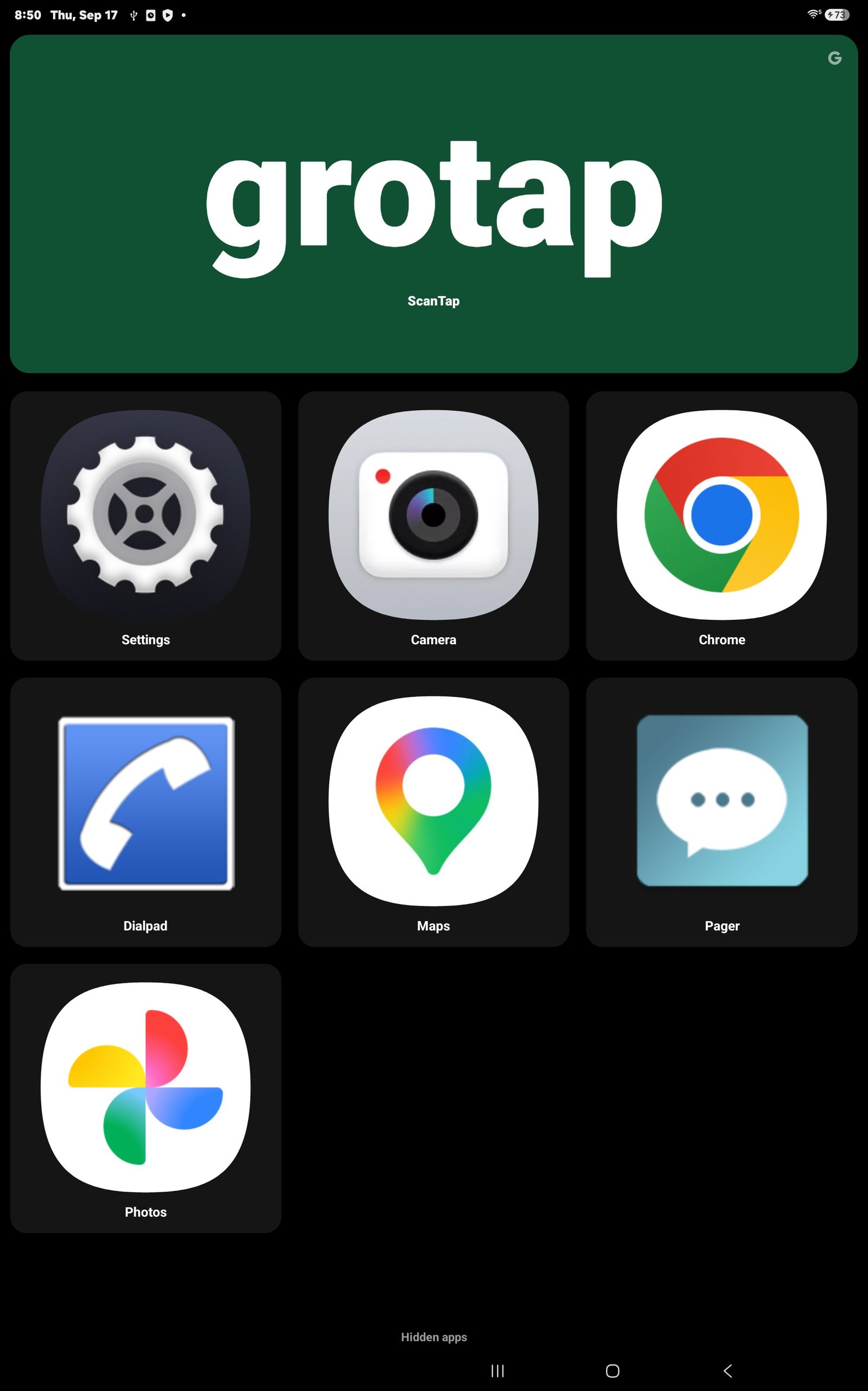
The tablet boots into ScanTap, not into Android
Crew tablets ship with our own Field Home launcher already on them. One full-width ScanTap tile, icons big enough to hit with a work glove, and only the handful of apps the job actually needs — camera, maps, phone, settings. There is nothing to hunt for, nothing to uninstall and nowhere to wander off to.
It is Grotap branded, not client branded, and it is the same on every tablet you run — so a person who learns one tablet has learned all of them.
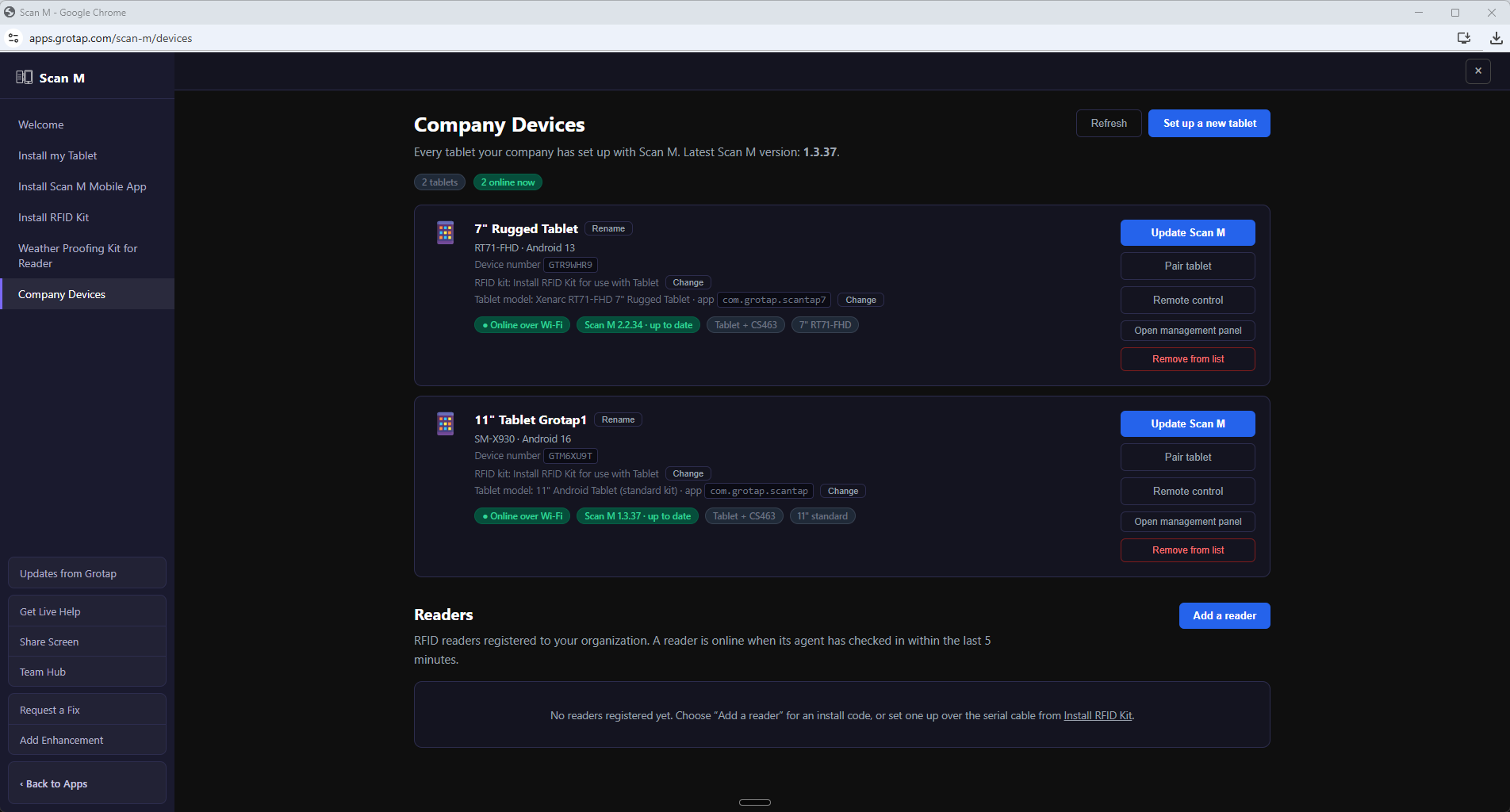
Devices managed entirely by AI and Grotap Support
Every tablet and every reader you run shows up in My Devices — online or offline, battery, firmware, last scan, last sync. You can see all of it, but you are not the one who has to act on it: AI watches the fleet and the Grotap Support team works the problem, usually before anyone on your crew notices there was one.
Mapping and precise inventory locations included
Positioning is part of the system, not a separate project you have to scope, buy and configure. We run live RTK over the internet, so a scan lands inside a centimeter while the crew is still driving. Every session also records the raw observations in RINEX format, so a position can be reprocessed afterwards and a bad correction window never costs you the day’s work. And every system supports uploading corrections from a local base — your own station, or whatever local correction service you already pay for.
We build the kits ourselves, from raw parts, so they survive a farm:
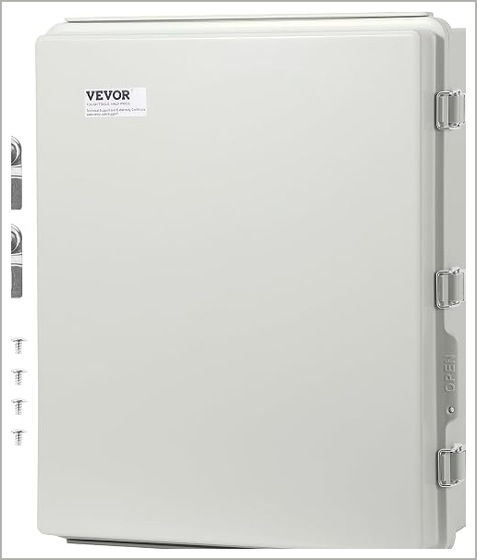
13.78 × 9.84 × 5.90 in. The box the reader lives in.
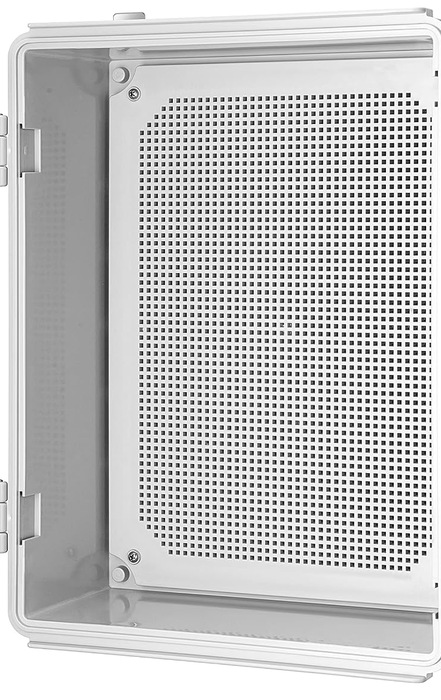
Hinged IP67, 410 × 310 × 180 mm, with mounting plate and brackets.
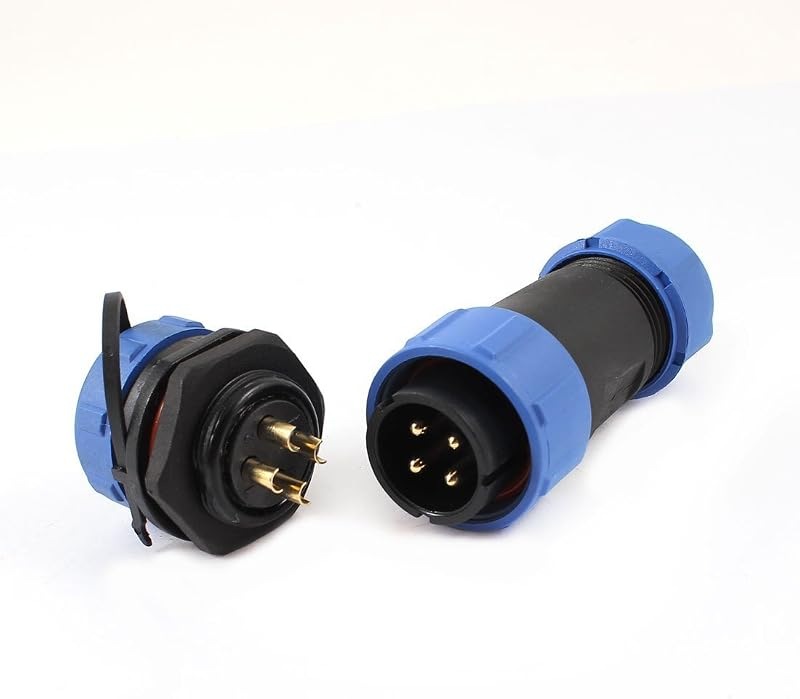
4-pin, IP68, panel mount. Port 1 and the Power Cell end of the cable.
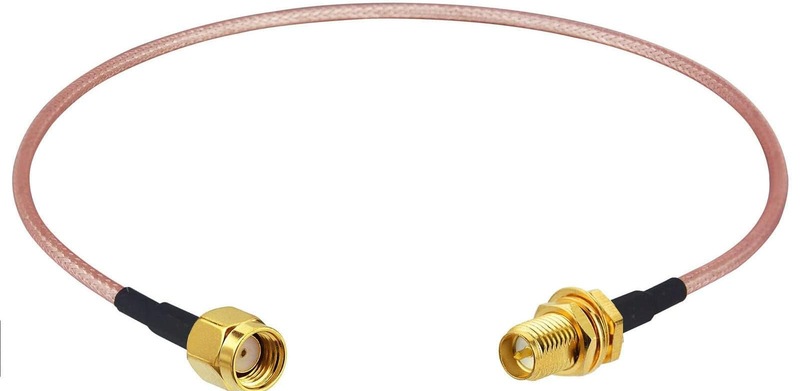
RG316, 12 in. Antenna ports 2 through 5, bulkhead end in the wall.
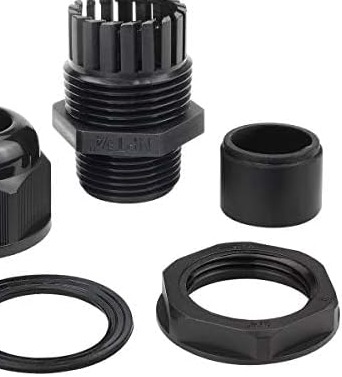
½ in and ⅜ in NPT. Every penetration through the Power Cell.
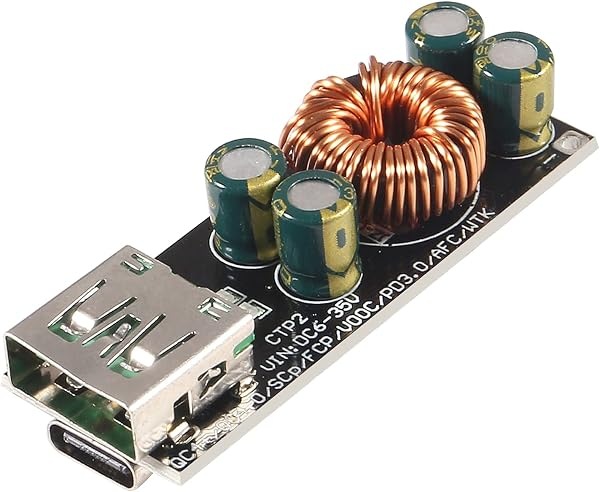
DC to USB-C PD 3.0 / QC4, on the back plate by the lid bulkhead.
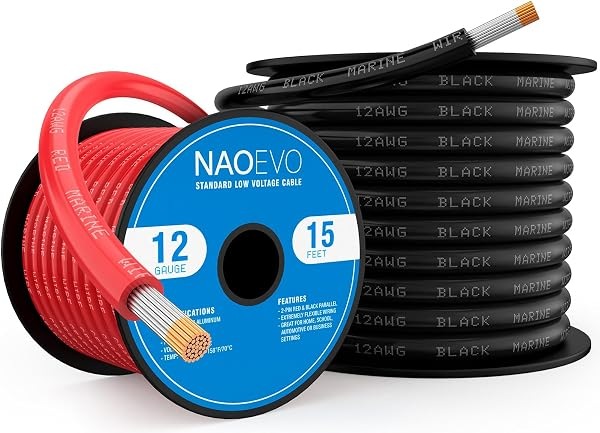
Interconnect and the heavy runs. Tinned, because it lives outdoors.
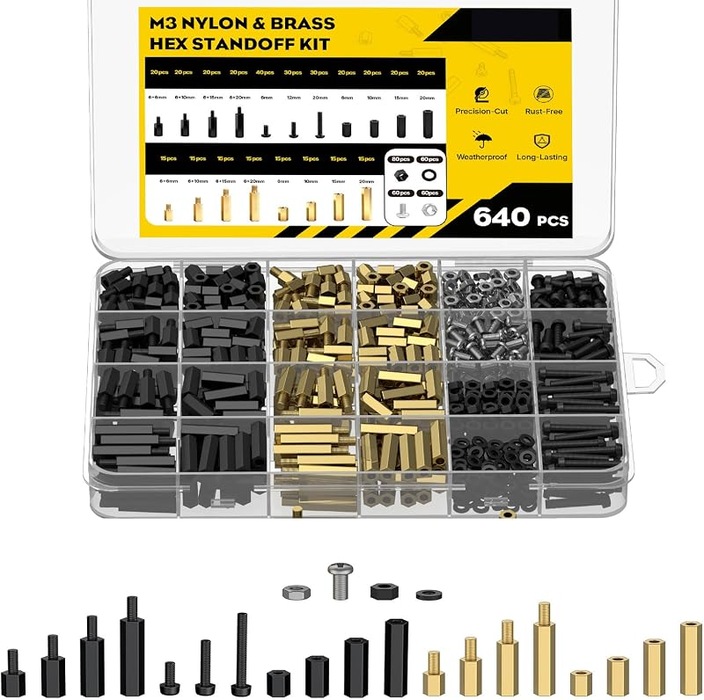
M3 kit; nylon pieces used inside. M4 for reader flanges is separate.
See it on your own stock
Tell us what you grow, how you count it today, and what goes wrong when you do. We will walk you through what ScanTap would look like in your operation.